Private Vault is live
Private Vault adds optional browser-side encryption for task text, project names, tags, and attachments.
Some tasks are just tasks. Others are names, plans, health notes, hiring lists, legal chores, or the kind of messy private stuff that does not belong in plaintext on a server.
Private Vault is for that second category.
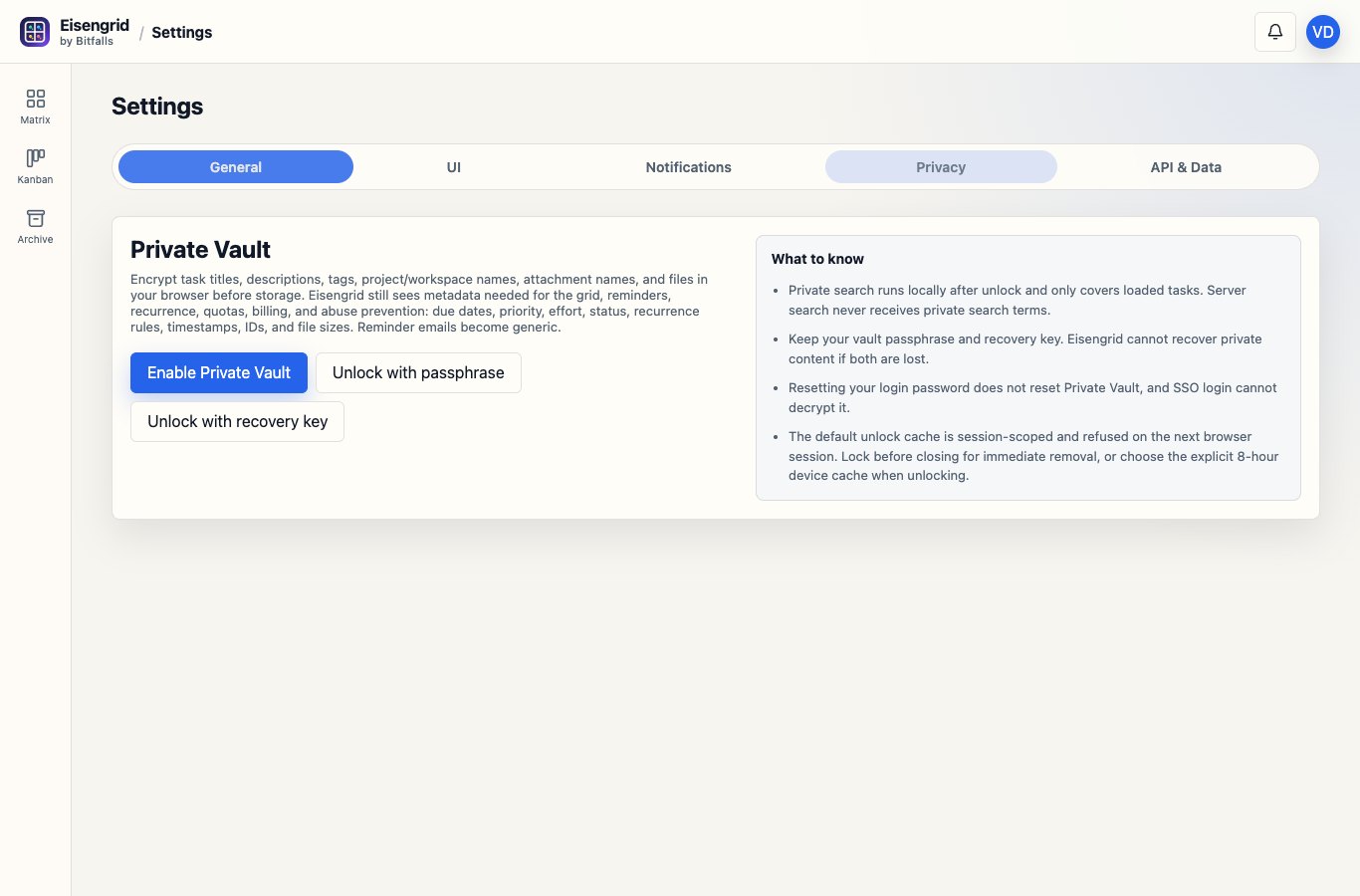
Turn it on from Settings, choose a passphrase, save the recovery key somewhere safe, and Eisengrid encrypts the private parts of your workspace in the browser before they leave your device.
What gets encrypted
Private Vault encrypts task titles and descriptions, tags, workspace and project names, attachment names, and attachment files.
The server still sees the metadata the app needs to work: due dates, priority, effort, status, recurrence, IDs, timestamps, file sizes, billing state, and quota signals. That tradeoff is deliberate. Eisengrid can still draw the matrix, send reminders, sync billing, and keep your account usable. The words you wrote for the task are the part we stop storing as plaintext.
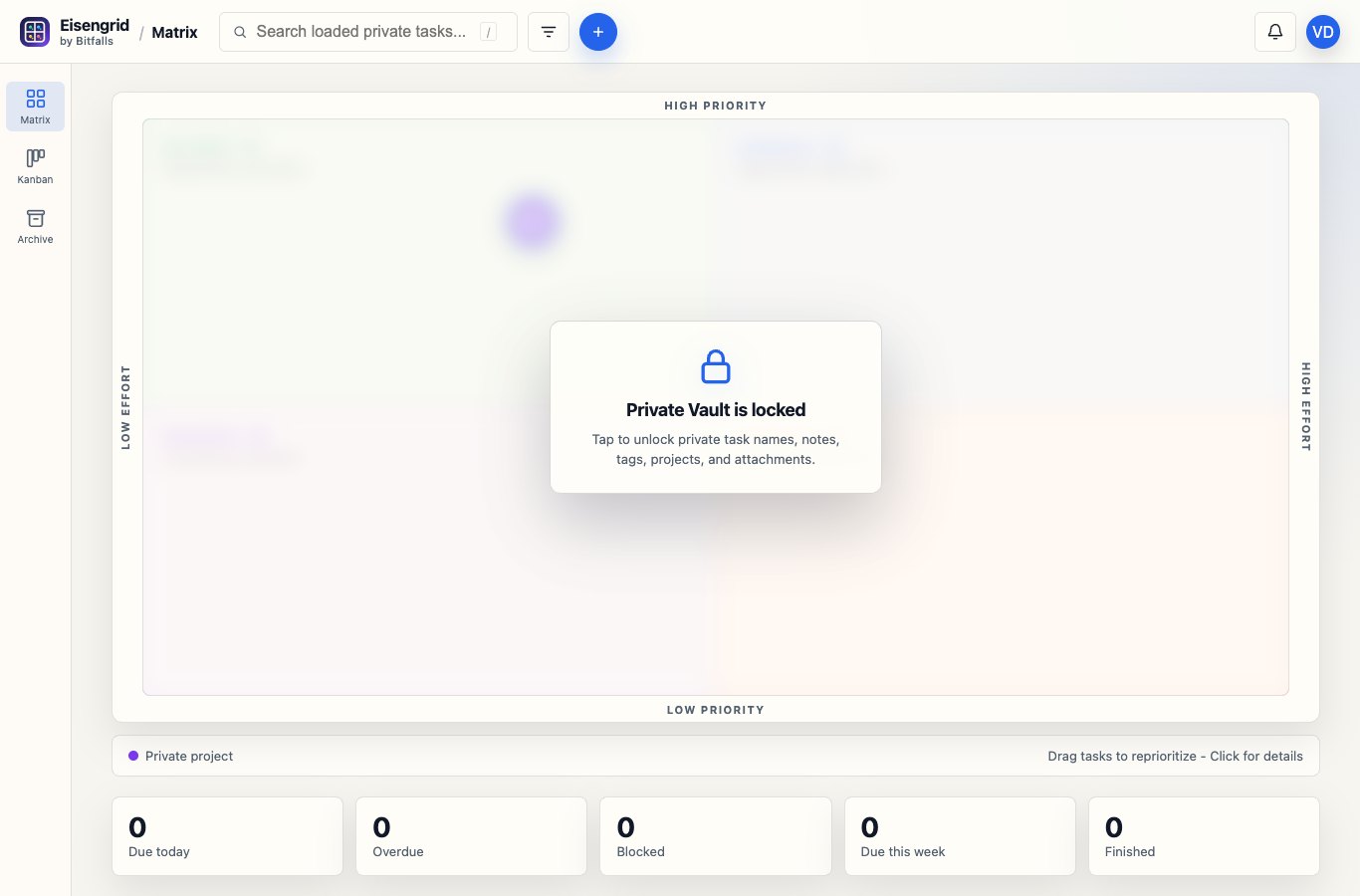
When the vault is locked, the app is blunt about it. Private names turn into placeholders, private search stays local, and editing waits until you unlock.
A few practical details
- Reminder emails become generic. You get the nudge without leaking the task name.
- Support impersonation cannot read vault content.
- Normal API tokens get placeholders and ciphertext, not private plaintext.
- Local agents need an explicit Private Vault bundle before they can decrypt or write vault ciphertext.
- If you lose both the passphrase and the recovery key, we cannot recover the content.
That last line is not fun marketing copy. It is the point. A vault we can casually recover is not much of a vault.
Private Vault is optional. If you want the normal low-friction task manager, keep using Eisengrid as is. If you have work that needs more privacy, turn it on, save the recovery key, and make sure you understand what metadata remains visible.
My goal for this feature is simple: after setup, you should barely think about it. It should sit there quietly, making the private parts private.